Corporate Social Media Graphics: A Professional First Impression
In the fast-scrolling world of social media, you have about three seconds to stop a user in their tracks. For a corporate entity, agency, or established brand, this window is critical. You cannot afford to look disjointed or amateurish. This is where the concept of a standardized visual asset becomes a game-changer. A high-quality corporate business social media post template isn't just a decorative file; it is a strategic tool designed to bridge the gap between your brand identity and the algorithms of platforms like LinkedIn, Instagram, and Facebook. It ensures that every time you hit "publish," you are projecting authority, clarity, and professionalism.
The Anatomy of Visual Authority
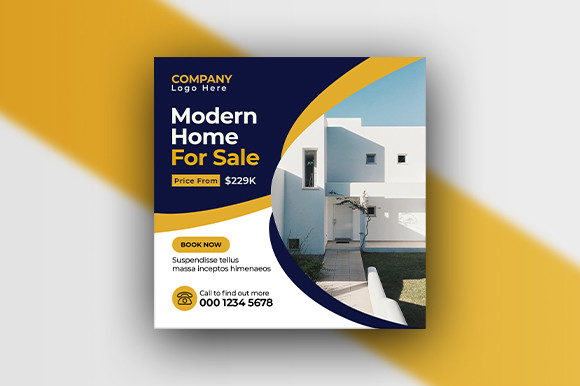
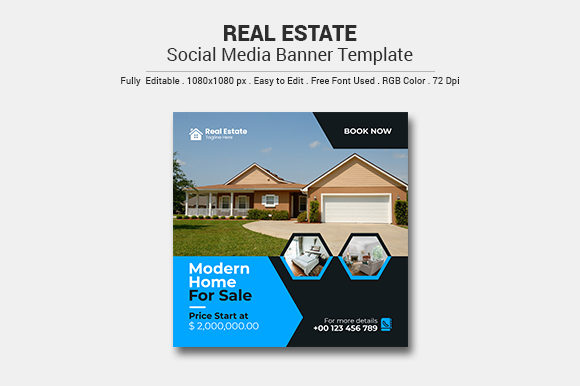
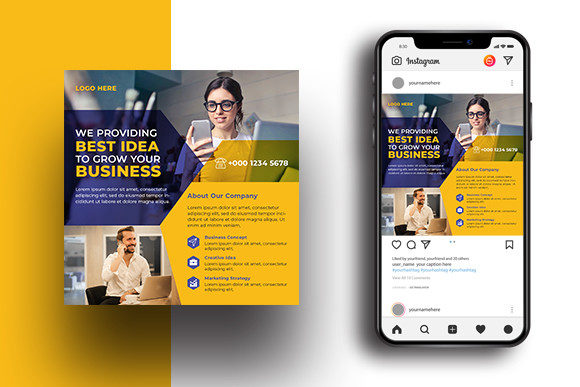
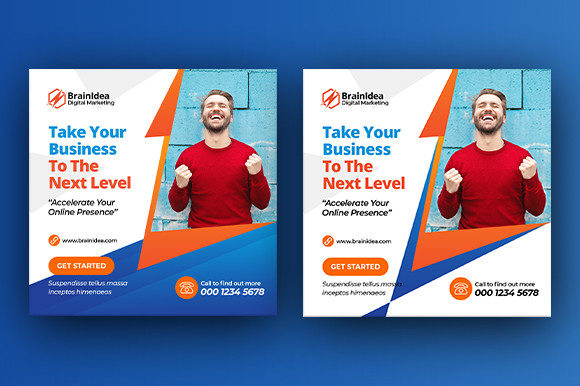
When we talk about the "Corporate Business Social Media Banner," we are discussing more than just a background image. We are looking at a structured environment for your message. The specific template described here operates at 1080x1080 pixels—the universal standard for feed posts across major networks—ensuring your content looks sharp on mobile and desktop alike. At 72 DPI and RGB color mode, it is optimized exclusively for digital screens, ensuring vibrant colors that catch the eye without lagging load times.
What makes a template like this visually appealing is often the balance between negative space and information hierarchy. Corporate design trends have moved away from cluttered flyers toward clean, minimalist layouts that breathe. By utilizing a fully layered PSD file, you aren't just looking at a static picture. You are looking at a modular system. The appeal lies in the typography choices—often utilizing modern sans-serif pairings—and the strategic placement of imagery, which allows the viewer's eye to naturally flow from the headline to the call to action.
Practical Applications Beyond the Feed
While the primary function of this asset is social media, its utility extends far beyond a single Instagram post. For the small business owner or agency, versatility is key to maximizing a design budget. Here is how a robust template system serves various facets of your visual communication:
- Digital Marketing & Web Presence: These files are perfect for website headers, blog post featured images, or newsletter banners. Consistency here reinforces brand recognition every time a client interacts with your digital ecosystem.
- Pitch Decks & Presentations: When pitching to a new client or presenting quarterly results, using elements from your social media templates in your slide deck creates a cohesive "brand identity" that looks incredibly polished.
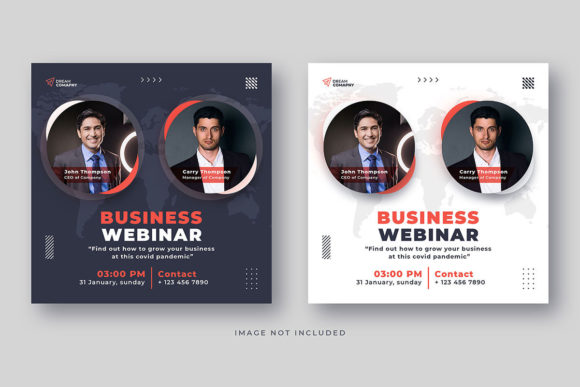
- Event Promotion: Whether it is a webinar, a local networking event, or a product launch, the template variations allow you to create a series of promotional graphics that look related but distinct, building anticipation across multiple days.
- Internal Communications: Don't forget your team. Using these high-quality designs for internal newsletters or Slack announcements elevates the perceived value of the information you are sharing with your staff.
- Print Adaptations: While 72 DPI is standard for web, a well-layered PSD file can often be adapted for quick print jobs like flyers or posters for local events, provided the images used are high resolution.
Streamlining Your Workflow with Layered PSDs
One of the biggest hurdles for non-designers is the time cost of creation. Staring at a blank canvas in Photoshop is daunting. This is where the value of a "Layered PSD" comes into play. For the entrepreneur or marketing manager, this structure acts as a guide. You aren't designing from scratch; you are curating.
The fact that these files come with three different template variations is a significant advantage for content strategy. Variety prevents audience fatigue. If you post the exact same graphic every week, engagement drops. However, having three distinct layouts allows you to rotate your visuals while keeping the brand DNA intact. Furthermore, the use of free fonts is a massive practical benefit. It eliminates the headache of licensing fees for typography, allowing you to download, install, and edit immediately without legal grey areas.
Matching Typography to Corporate Goals
In the corporate world, typography speaks volumes before the words are even read. A "Corporate Business Social Media Post" needs to convey trust and stability. This usually means steering clear of overly whimsical script fonts or distressed grunge styles. Instead, focus on the characteristics of the fonts included in your template:
- Readability is King: On social media, people scan. If your font is too thin, ornate, or tightly kerned, it becomes illegible on a small smartphone screen. Look for typefaces with open counters and distinct letterforms.
- The Serif vs. Sans-Serif Debate: Sans-serif fonts (like Helvetica or Montserrat) are the modern standard for digital corporate communication because they render cleanly on screens. However, pairing a sans-serif header with a serif body text can add a touch of traditional elegance and authority, often seen in legal or financial sectors.
- Visual Consistency: To build brand recognition, you must be repetitive in your style. If your template uses a bold, uppercase font for headers, stick to that rule across all your social media graphics. This consistency builds a subconscious trust with your audience.
Customizing for Your Brand Identity
A template is a starting point, not the finish line. To truly make a "Corporate Business Social Media Banner" work for you, you need to inject your specific brand assets. This goes beyond just swapping out the logo. Consider the color palette. While the file comes in RGB, you should ensure the hex codes match your official brand guidelines exactly.
Imagery is another critical factor. Stock photography can often feel generic. To stand out, use images of your actual team, your specific office environment, or your products in use. When you overlay these authentic photos onto the structured template layout, the result is a graphic that feels both professionally designed and uniquely yours. Remember to test your text updates against the background. If you place white text over a light part of an image, it disappears. Use the layers in the PSD to add subtle overlays or drop shadows to ensure your message is the hero of the design.
Final Thoughts on Professional Presentation
Ultimately, using a dedicated corporate social media template is about respecting your audience's intelligence and their time. It signals that you care about the details. For the busy business owner, it removes the guesswork and the design bottlenecks, allowing you to focus on the message you need to convey. Whether you are announcing a merger, sharing a blog post, or simply wishing your followers a happy holiday, having a solid, editable design system in your toolkit ensures you always look the part. It is an investment in your visual reputation that pays dividends in engagement and trust.