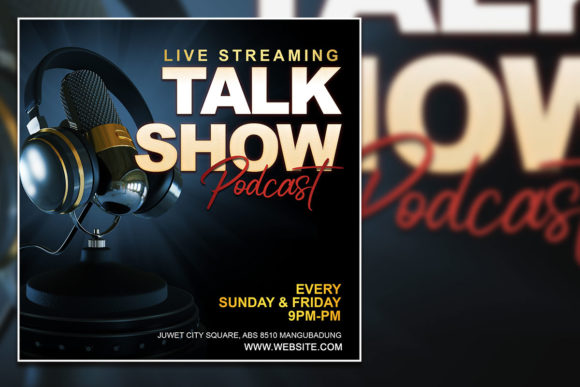
Modern Style Podcast Social Media Post: A Designer's Take
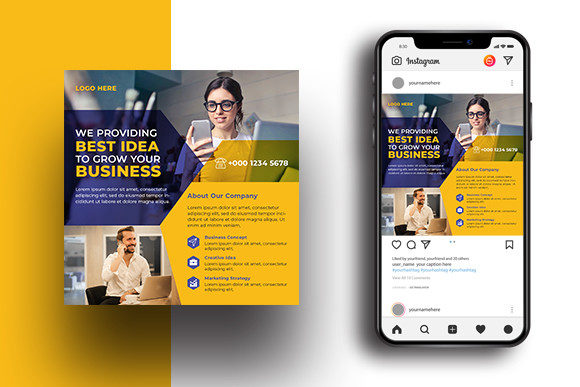
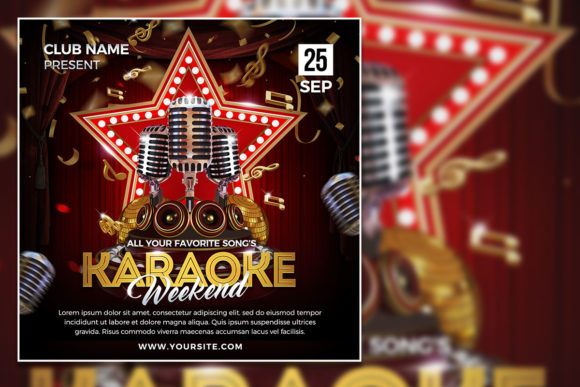
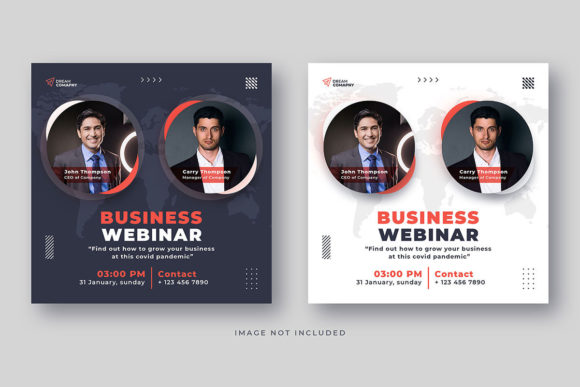
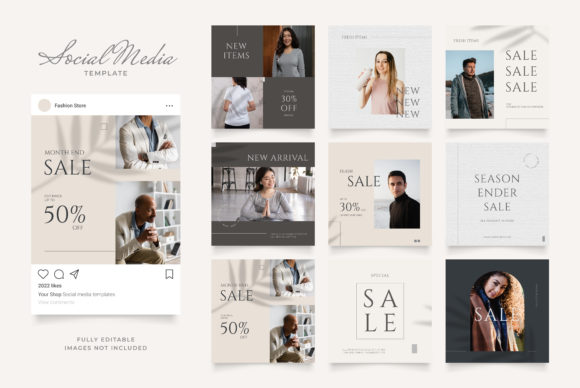
Ever scrolled through your feed and stopped dead on a podcast promo that just looked right? The kind where the typography, layout, and vibe all click together instantly, making you want to hit play before you even know the topic. That’s the power of a cohesive visual identity, and it’s exactly what a well-crafted asset like the Modern Style Podcast Social Media Post template aims to deliver. It’s more than just a pretty square; it’s a shortcut to professional-grade consistency for your show’s online presence.
Why This Template Cuts Through the Noise
Let’s be honest: creating standout social media graphics week after week is exhausting. You need something that’s visually striking, on-brand, and easy to update. This PSD file is built with that real-world need in mind. The 2000 x 2000 pixel canvas at 72 DPI is optimized for digital platforms like Instagram, Facebook, and LinkedIn, ensuring your graphics look crisp without bogging down load times. The RGB color profile keeps your colors vibrant on screens.
What makes it truly practical is the structure. The file is 100% layered, meaning every element—the background shape, the text placeholder, the decorative accents—sits on its own editable layer. You’re not locked into a static image. You can change colors to match your brand palette in seconds, swap out fonts (though it includes a free commercial font that’s a solid starting point), and adjust layouts to highlight different episodes or guests. It’s this level of customization that transforms a generic template into a unique piece of your brand’s visual language.
Beyond the Podcast Promo: Where This Style Shines
While it’s perfect for announcing a new episode, the clean, modern aesthetic of this design asset has a much broader utility. Think of the core layout—a bold header area, a clear text block, and balanced negative space—as a flexible framework. This same structure can be adapted for:
- Brand Identity Elements: Use the visual style as inspiration for your podcast logo or wordmark. The geometric shapes and clean lines can inform your entire branding system.
- Marketing Collateral: Create consistent graphics for email newsletters, blog post headers, or digital ads that promote your show. The 100% editable nature means you can resize and reformat elements for different contexts.
- Packaging & Merchandise: Selling podcast-related merch? The modern, minimalist vibe translates well to sticker designs, notebook covers, or even apparel graphics.
- Event & Invitation Design: Hosting a live recording or a virtual summit? The template’s layout can be repurposed for sleek, professional event invites that match your podcast’s established look.
The key is viewing the PSD not as a one-trick pony, but as a starter kit for a cohesive visual system. The principles it uses—strong hierarchy, modern typography, and a balanced composition—are universal in good design.
Pairing Fonts and Making It Yours
The included font is a great asset, but knowing how to work with it is where the magic happens. If you decide to bring in other typefaces, the rule of thumb is contrast with cohesion. A bold, modern sans-serif (like the one provided) pairs beautifully with a light, elegant serif for body text or a flowing script for accent words. Always test your pairings in the actual template. Does the episode title still pop? Is the guest’s name easy to read at a quick glance?
Readability is non-negotiable, especially on mobile. That’s why the template’s structure is so valuable—it forces a clear hierarchy. The main title should be the most dominant element, followed by the guest or topic, then the episode number or date. Use color and size, not just font style, to create this order. A pro tip: squint at your design. If you can still discern the key information, your hierarchy is working.
A Note on Licensing and Final Polish
Since the template includes a free commercial font, you’re covered for most projects—podcast branding, client work, merchandise, you name it. However, it’s always good practice to double-check the specific license of any asset you use. For images, the note is clear: the photos in the preview are just placeholders. You must replace them with your own visuals, whether that’s a professional headshot, a stylized guest photo, or custom artwork. This is actually a benefit; it ensures your final product is 100% unique to you.
Before you export that final JPG or PNG, do a quick checklist. Is all text spelled correctly? Are the colors accurate to your brand? Does it look good both as a large post and as a smaller thumbnail in a crowded feed? The beauty of working with a fully editable PSD file is that these tweaks take minutes, not hours. It empowers you to maintain a consistent, professional look across every piece of content you put out, building that crucial brand recognition with every post.