Brownie Power Point Template: A Multi-Purpose Design Toolkit
There is a specific kind of frustration that hits when you open a blank slide deck. You have the data, you have the strategy, but the visual execution feels stale. For designers, entrepreneurs, and content creators, the slide deck is often the frontline of a pitch, a workshop, or a client presentation. The Brownie Power Point Template addresses this friction point by offering a comprehensive solution that balances aesthetic appeal with structural utility. It is not just a collection of slides; it is a visual system designed to adapt to various professional needs, ensuring that your message is not only heard but seen with clarity.
Visual Appeal and Structural Depth
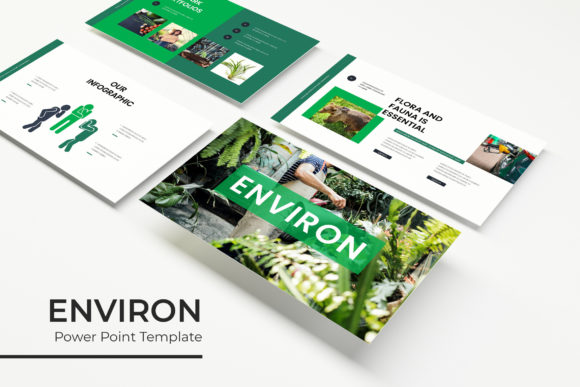
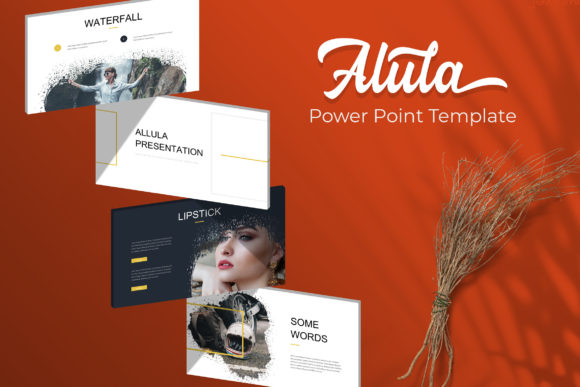
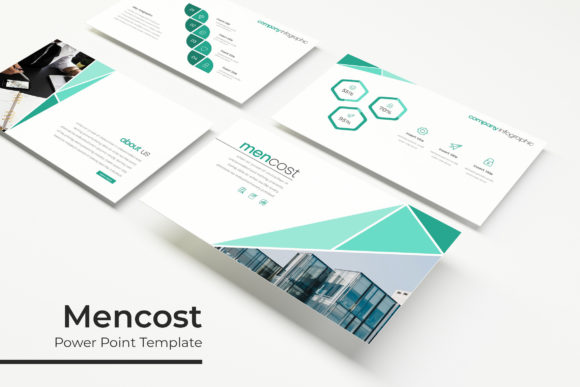
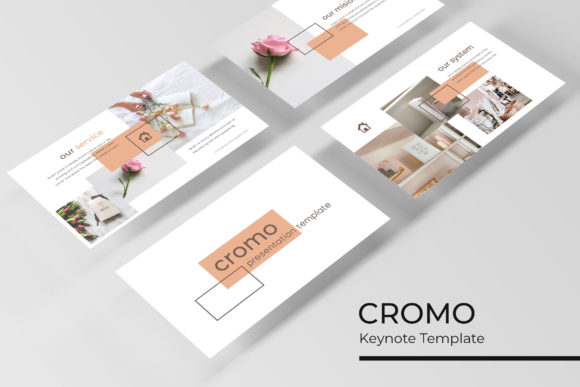
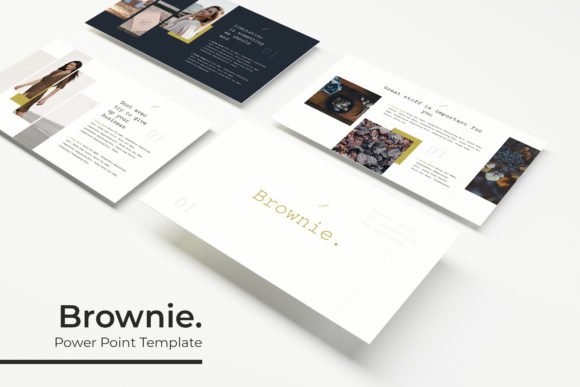
What sets the Brownie template apart is its sheer volume combined with distinct color psychology. Featuring over 150 total slides, the package is built on a foundation of five premade color variations, with 30 unique slide designs for each palette. This allows users to select a color scheme that best aligns with their existing brand identity without needing to manually adjust every graphic element. The design language leans toward a clean, modern aesthetic, utilizing pixel-perfect illustrations and handcrafted infographics. This ensures that whether you are presenting complex data or a simple portfolio, the visuals remain sharp and professional.
The inclusion of section break slides is a subtle but powerful feature. In long-form presentations, cognitive fatigue is a real risk. These breaks provide a visual pause, allowing the audience to reset before moving to the next topic. Furthermore, the gallery and portfolio slides are specifically optimized for visual storytelling. For a photographer, architect, or interior designer, these layouts provide the necessary negative space to let high-resolution images speak for themselves, rather than cramming content into tight margins.
Practical Applications Across Industries
While the primary function is presentation, the utility of the Brownie Power Point Template extends into broader branding and marketing efforts. Because the graphics are resizable and editable, they function as a mini design asset library. A small business owner can extract specific infographics to use in social media posts, ensuring visual consistency between a pitch deck and an Instagram feed. Similarly, the clean typography and layout grids can serve as inspiration or direct templates for website mockups and blog headers.
Consider the needs of a content creator preparing a media kit. Instead of hiring a designer for a one-off PDF, they can utilize the portfolio slides to showcase their work and the data slides to present audience demographics. The drag-and-drop picture placeholders simplify the process of updating content, which is crucial for anyone who needs to refresh their materials quarterly or annually. This adaptability makes it a valuable tool for marketing assets, editorial layouts, and even internal corporate training modules.
Streamlining the Design Workflow
Efficiency is a currency in the professional world. The Brownie template is built on master slides, a technical feature that offers significant time savings. When a change is made to the master slide—such as updating a logo or changing a font—it cascades throughout the entire presentation. This eliminates the tedious task of editing 30 individual slides one by one. For a brand strategist or agency, this means faster turnaround times for client deliverables.
The inclusion of Keynote files alongside PowerPoint ensures cross-platform compatibility, catering to teams that may use different operating systems. The "Readme First" file included in the package is a thoughtful addition, guiding users through the setup process and linking to free fonts. This removes the guesswork often associated with premium templates, where finding the exact typeface used in the preview can be a scavenger hunt.
Enhancing Communication Through Design
Ultimately, the goal of any design asset is to improve communication. A well-structured slide deck does more than just look good; it guides the viewer's eye and reinforces the narrative. By using distinct section breaks and consistent graphic styles, the Brownie template helps maintain audience engagement. It prevents the "wall of text" phenomenon that plagues many corporate presentations.
When selecting a template for a project, it is important to consider not just the immediate need, but the potential for future use. The versatility of the Brownie Power Point Template—covering everything from minimalist portfolios to data-heavy reports—makes it a sound investment for anyone serious about their professional presentation. It transforms the slide deck from a mere visual aid into a cohesive part of a larger brand identity strategy.